









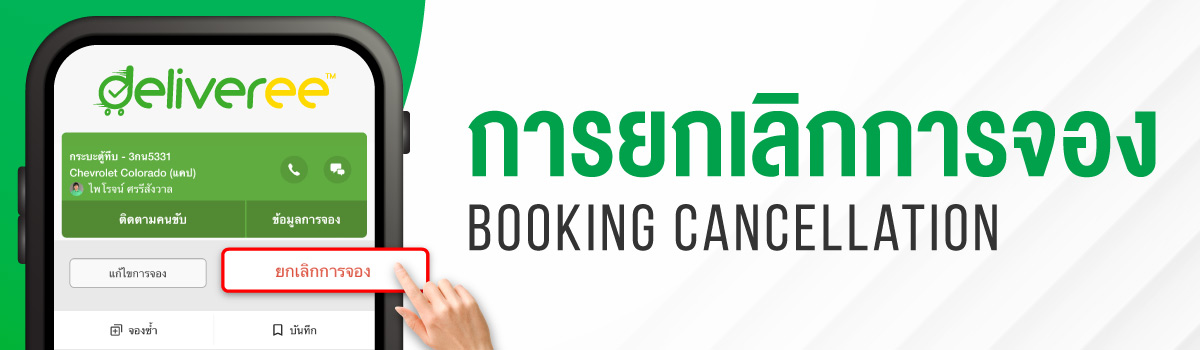
Customers can cancel bookings in the app anytime before the driver uploads the signature at the first pickup location without having to contact our CS.
How to Cancel
On Application

- Click the left-corner menu
- Choose ‘My Bookings’
- In the ‘Ongoing’ tab, go to the booking you wish to cancel and click ‘Details’
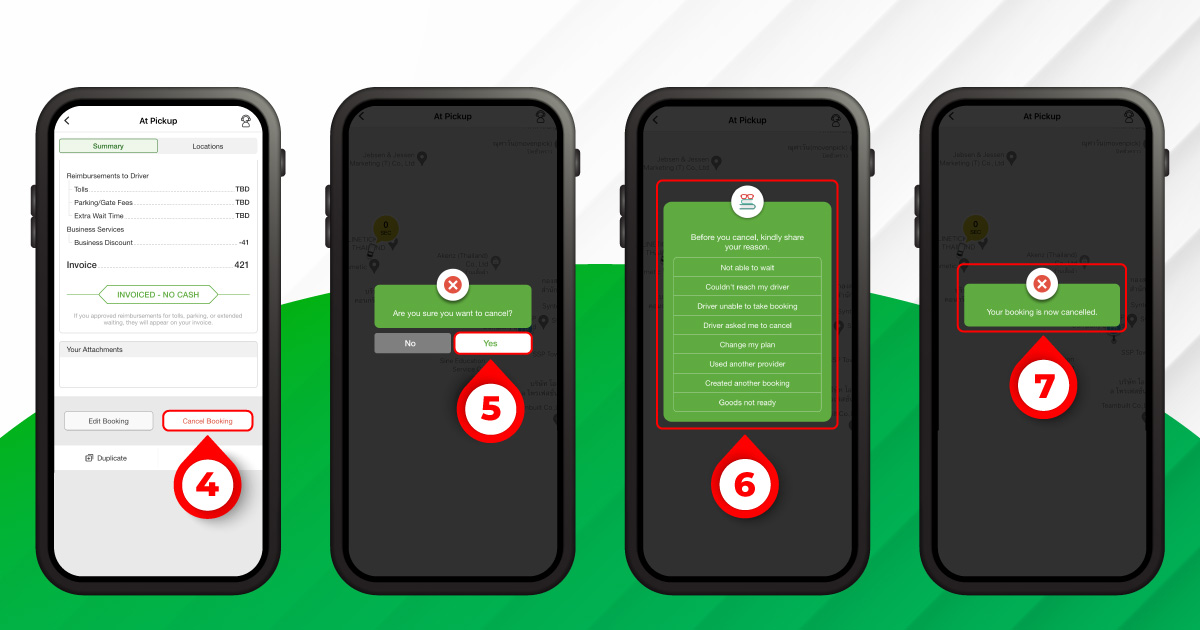
- In the ‘Summary’ tab or ‘Locations’ tab, scroll to the bottom of the page and click ‘Cancel Booking’
- Select ‘Yes’ to cancel the booking
- Identify cancellation reason
- Cancellation is successful when the confirmation message box appears. You can recheck the status of your canceled booking in ‘My Bookings’ then select ‘Canceled’.
On Webapp


- Select ‘Manage Bookings’
- On the ‘Ongoing’ tab, find the booking you want to cancel and click ‘Cancel’
- Select ‘Yes’ to cancel the booking
- Identify cancellation reason
- Cancellation is successful when the confirmation message box appears. You can recheck the status of your canceled booking in ‘My Bookings’ then select ‘Canceled’.
If you want to cancel after the driver submits the signature at the first pickup location or while the booking is in progress, please contact our CS for assistance.
Cancellation Conditions & Fee
Cancellations are free before the driver arrives at the pickup location. If you cancel after arrival, a 30% fee of the total booking amount applies, subject to a maximum cap. This cap varies by vehicle and region. You will always see the exact fee on your screen before you confirm the cancellation.
How to Pay Cancellation Fee
Business Customers
– The cancellation fee will be added and itemized in your monthly invoice.
Cash Customers
– The cancellation fee will be paid in cash directly to the driver.
If the cancellation fee isn’t paid, the pending payment will be recorded as settlements in your wallet. Once the next booking is created, the settlements will be included in the booking fee, which will have to be paid directly to Deliveree.






 Chat